Make the image, or change the one you have.
Describe what you want and Kvora, Torki's own image engine, makes it. Or drop in a photo and say what to change. Vision edits the actual picture rather than inventing a new one that looks similar.
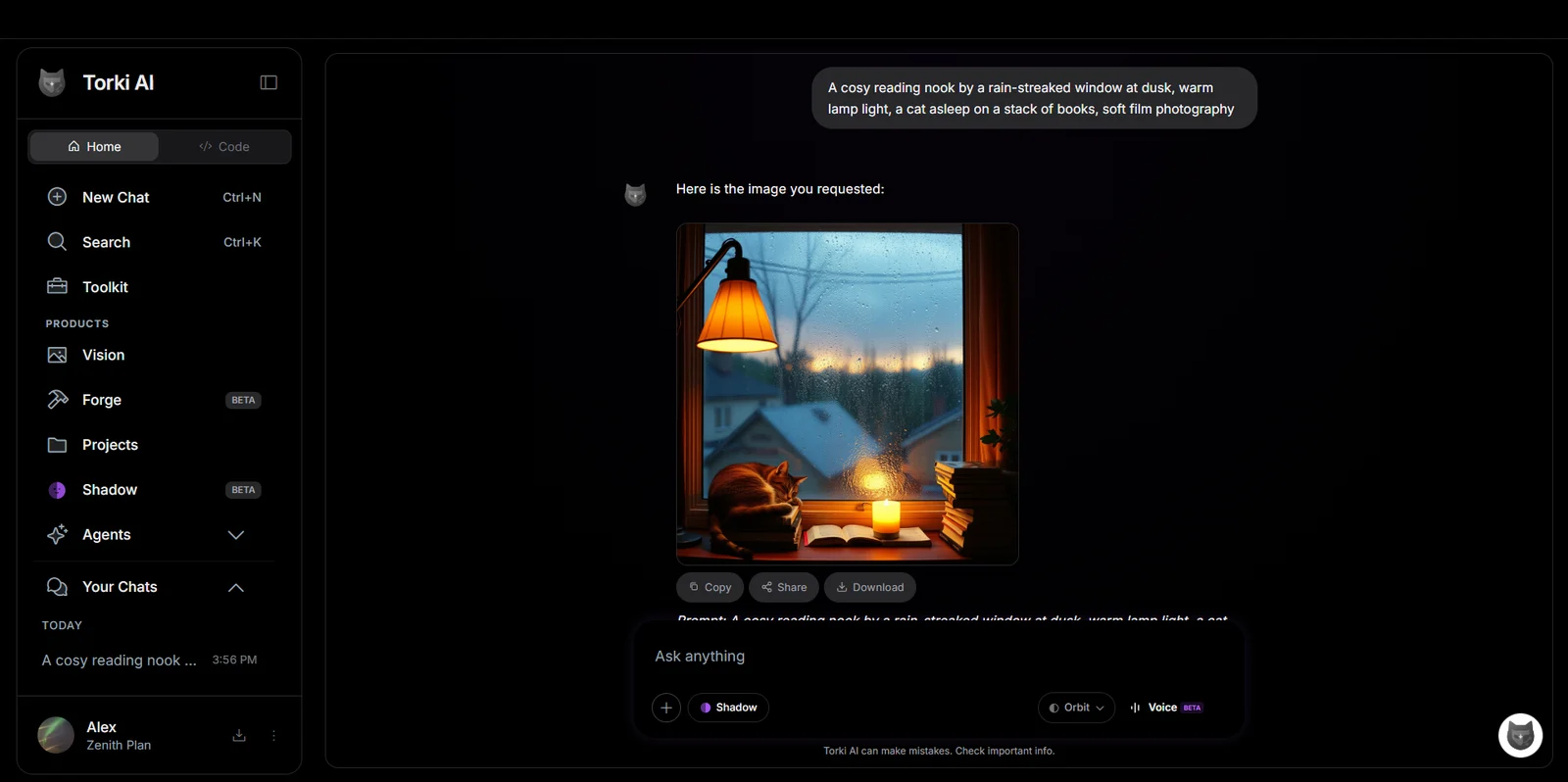 Also in a chat: ask Home for an image
Start from words, or start from a photo.
Say what you want. Pick a style, a shape and how much detail.
Type a description, then choose one of eight styles, one of seven aspect ratios and one of four quality settings. Press Create and the image appears in your gallery.
Drop in a photo and describe the change.
Vision works on the picture you give it. Ask for one, two or four variations in a single run and keep the one you like.
Ten looks, one click. No prompt to write.
Pick a look, upload a photo or describe an idea, and Kvora makes it in that style.
Three checks before you see a result.
Your prompt, the photo you upload and the finished image are each screened. The checks run on Torki's own hardware, alongside the model.
Vision is on every plan, Free included.
Free images carry a small Torki watermark. Lite, Arc and Zenith remove it and give you more of everything.