
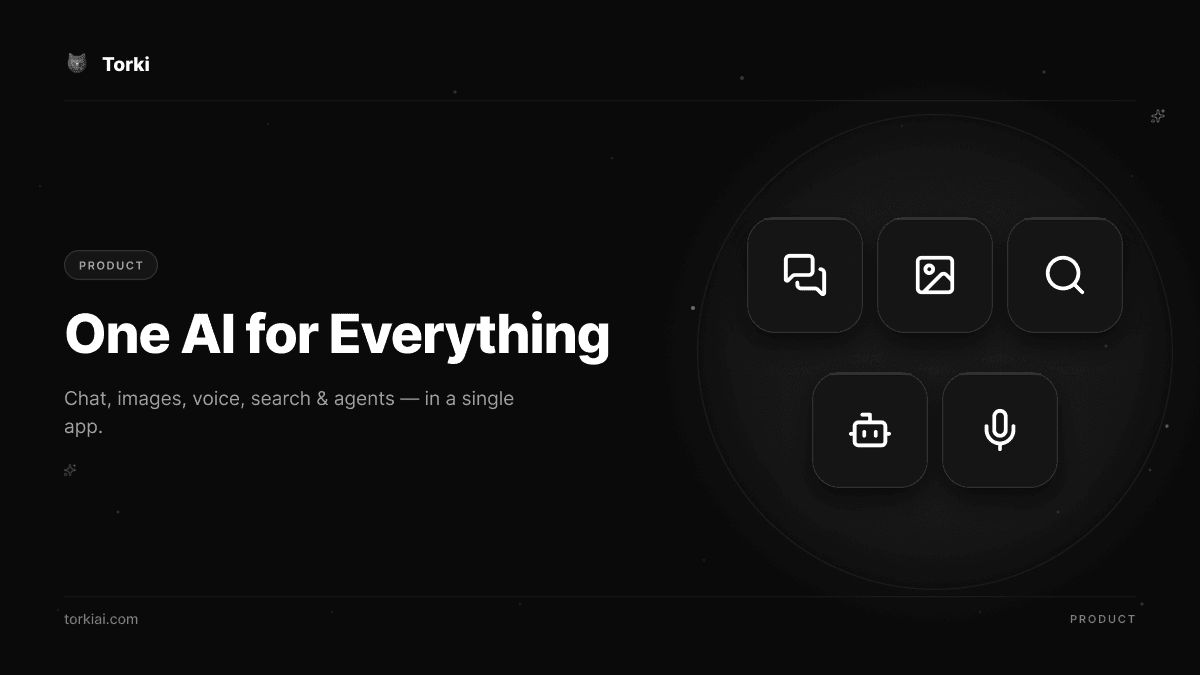
If you use AI seriously, you probably do not use one tool. You use one for chat, another for generating images, a third for cited research, maybe a fourth to automate tasks or talk hands-free. Each has its own login, its own subscription, its own memory of you that resets the moment you switch. Torki is built to be the single app that does all of it — chat, image generation and editing, multi-source research, agents that act across your connected accounts, real-time voice, a visual canvas, and long-term memory — without making you stitch the pieces together yourself.
This page is the short version of what "all-in-one" actually means at Torki: not a marketing umbrella over a thin chatbot, but a set of capabilities that are live today on the web for consumers, including genuine connectors to Google Workspace and Microsoft 365.
The real problem: tool-sprawl is a tax on your attention
Tool-sprawl is sneaky because each individual tool is reasonable. A great chat assistant here, a beautiful image generator there, a sharp research engine somewhere else. The cost shows up in the gaps between them:
- Context dies at every boundary. The research you ran in one app does not know about the document you are writing in another. You become the copy-paste layer.
- You pay for overlap. Several subscriptions, each strong at one thing, each charging like it is your only tool.
- Nothing remembers you across the stack. Preferences, projects, and prior work live in silos.
- Switching is friction. Every "now take this and put it over there" is a tab, a login, and a small loss of momentum.
An all-in-one AI app earns its name by closing those gaps — letting a single conversation flow from a question, to a researched answer, to a generated image, to a document saved in your Drive, without you leaving the chat.
What Torki actually does
Chat with four modes
Torki Chat runs in four modes you pick based on the job: Pulse for fast answers, Orbit for balanced everyday work, Stellar for deep reasoning, and Cosmos for maximum depth. Tool use is built into the conversation, so the assistant can search the web, pull from your connected accounts, generate an image, or open a canvas without you switching surfaces.
Real connectors to Google and Microsoft
This is the part most "all-in-one" claims skip. Torki has working OAuth connectors you set up once in Settings > Connectors. Live today:
- Google Workspace: view and create Google Calendar events, search Google Drive, create Google Sheets, and create Google Docs.
- Microsoft 365: view your Outlook inbox, view Outlook Calendar events, and create Excel and Word files in OneDrive (plus upload files to OneDrive).
- No-connector tools for everyone: built-in web search and persistent memory work without linking any account.
A few connector actions are still on the way and we label them clearly: sending Outlook mail, creating Outlook calendar events, and OneDrive search are coming soon, as are Slack, GitHub, Notion, and WhatsApp connectors. We would rather under-promise here than have you discover a gap mid-task.
Images: generate, edit, and analyze
Torki's image stack (powered by Kvora for generation) is not just text-to-image. You can edit an existing photo with natural-language instructions (image-to-image), upscale, remove or replace backgrounds, and use vision to analyze a photo you upload. That puts real editing — not just first-draft generation — inside the same app you chat in.
Deep, cited research
When a question needs more than a single search, Torki's research mode decomposes it into several focused sub-queries, pulls from multiple sources (the web, Google News, and Wikipedia), cross-references them, and returns a structured, cited report. It is built for market scans, competitive intelligence, and any work where "where did this come from?" matters.
Agents that take action
Beyond chat, Torki includes around two dozen tool-actions that let it do things — search, generate and edit images, create calendar events, build a spreadsheet or doc, and remember facts — acting across your connectors and the web. For bigger jobs, a multi-agent assembly line can plan, research, write, review, and assemble a deliverable. You can also build custom agents in natural language and publish them. Learn more about the workflow on our custom-agents use case.
Voice you can talk to
Torki offers real-time voice conversations — actual back-and-forth dialogue, not just text-to-speech — plus read-aloud companions. You press the voice button and talk; the conversation is saved to your history like any other chat.
Canvas and memory
Canvas is Torki's workspace for things that are more than a chat reply: code, documents, diagrams, charts, and visual editing. You can export to PDF or DOCX or save straight to a new Google Doc. Underneath it all, long-term memory lets Torki remember your preferences and ongoing projects across conversations, so the context does not reset every time you come back.
How that compares
Every tool below is excellent at what it focuses on. The honest framing is not "Torki beats them" — it is that the leaders tend to be deep in one or two areas, while Torki's bet is breadth with real depth in connectors, image editing, and research. (Competitor capabilities and pricing move fast; verify current details on each vendor's site.)
| Capability | Torki | ChatGPT | Gemini | Perplexity | Claude | Midjourney |
|---|---|---|---|---|---|---|
| General chat | Yes (4 modes) | Yes | Yes | Yes (answer engine) | Yes | No |
| Image generation | Yes | Yes | Yes | Yes | No | Yes (top-tier) |
| Image editing | Yes | Yes | Yes | Limited | No | Yes |
| Cited research mode | Yes | Yes | Yes | Yes (core strength) | Yes | No |
| Agents / actions | Yes | Yes | Yes | Yes | Yes | No |
| Real-time voice | Yes | Yes | Yes | Yes | Yes (mobile) | Voice-to-prompt only |
| Google + Microsoft connectors | Yes (built in) | Yes (many gated to business) | Yes (Workspace is its moat) | Yes | Yes (Workspace + M365) | Effectively none |
A fair read: Gemini has the deepest native Google Workspace integration; Perplexity is the strongest cited answer engine; Claude leads on long-form writing and reasoning and ships official Workspace connectors; ChatGPT has the largest ecosystem; Midjourney sets the bar on image aesthetics but offers little first-party integration. Torki's pitch is that you get a capable version of all of these in one app — with image editing and dual Google/Microsoft connectors that not every leader matches.
Pricing and where you can use it
Torki has a free tier, plus Lite at $6/mo, Arc at $16/mo, and Zenith at $61/mo. The pricing page shows USD, EUR, GBP, and INR. Torki is live on the web today, with apps for iOS, Android and macOS available now. A Chrome extension is coming soon. B2B plans and a developer API are planned, not yet live.
Where the all-in-one model pays off
The value is clearest when a task crosses tool boundaries. Plan a trip and have Torki research options, then drop the itinerary on your calendar — see write a plan and export it. Or analyze business data, turn it into a chart on canvas, and save the write-up to a Google Doc — all in one thread, with memory carrying your context forward. Browse more in our products overview.
Frequently asked questions
Does Torki really connect to my Google and Microsoft accounts?
Yes. Google Calendar (view and create), Google Drive (search), Google Sheets (create), and Google Docs (create) are live, along with Outlook Mail (view), Outlook Calendar (view), and OneDrive (create Excel/Word and upload). You connect them via OAuth in Settings > Connectors. Outlook send, Outlook event creation, and OneDrive search are coming soon.
Can Torki edit images, or only generate them?
Both. Alongside text-to-image generation, Torki can edit an existing photo from a text instruction, upscale, remove backgrounds, and analyze images with vision.
Is voice actually conversational?
Yes — Torki supports real-time voice conversations, not just read-aloud playback, and saves the exchange to your chat history.
Do I need a paid plan to try it?
No. There is a free tier so you can use chat, web search, and core features before deciding whether Lite, Arc, or Zenith fits your work.
One app, fewer tabs
The case for an all-in-one AI app is not that any single feature is unbeatable — it is that the work stops falling through the cracks between tools. Chat that researches, researches that becomes a document, a document that lands in your Drive, an image you can actually edit, and a memory that carries it all forward. You can start on the free tier and see how much of your current AI stack one app can replace.